
After purchasing a virtual hosting service in WHMCS, you can access the Plesk control panel to manage your website, domains, email, and databases.
Steps to access Plesk:
1. Log in to your WHMCS client area
Go to: https://idhost.telecom.kz
Sign in with your account.
2. Open the «Services» section
3. Select your active virtual hosting service
Click the row of the required service.
4. Open Plesk
Inside the service card, you will see the button: 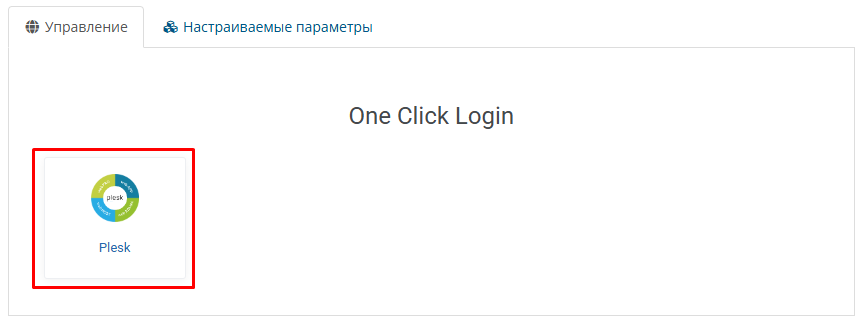
«Plesk»
Click it to be automatically redirected to the Plesk control panel.