
1. Log in to the Plesk control panel.
2. In the «Websites and Domains» section, click «Add Domain»:
3. Choose the website creation method “Blank website”: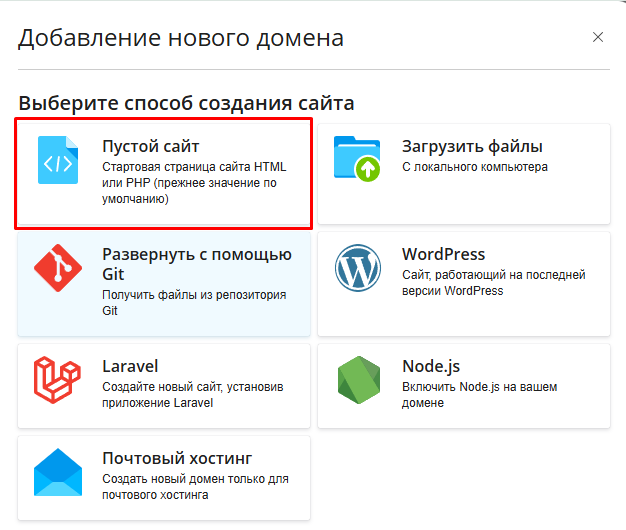
4. On the opened page, in the Registered domain name field, enter your domain name. Leave the rest of the settings unchanged and click Add Domain: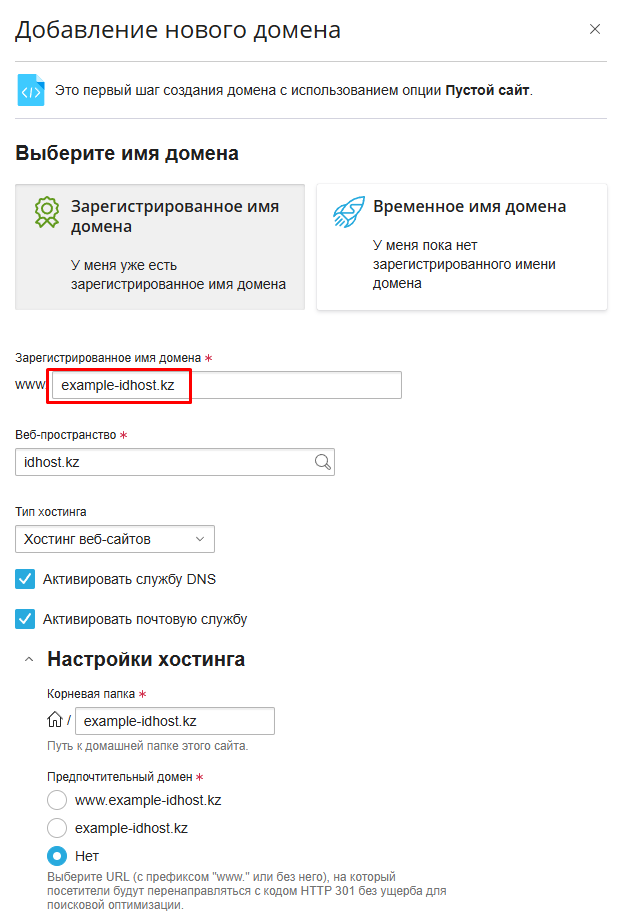
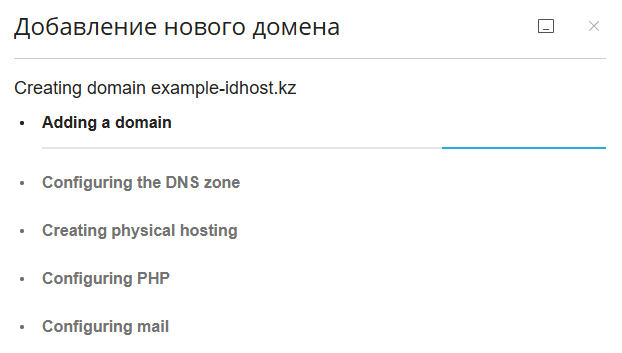
5. The domain has been successfully added. It will now appear in the Websites and Domains section.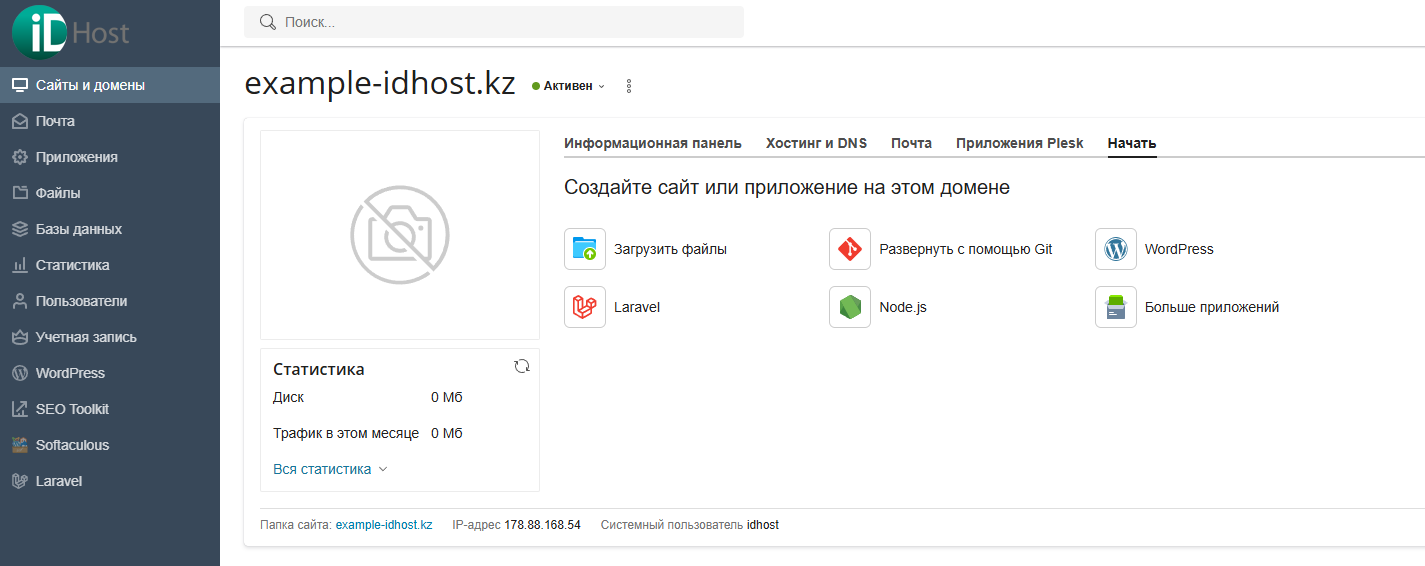
- 4 Users Found This Useful
Related Articles
Powered by WHMCompleteSolution