
Adding a Domain to Plesk Hosting

1. Log in to the Plesk control panel.
2. In the «Websites and Domains» section, click «Add Domain»:


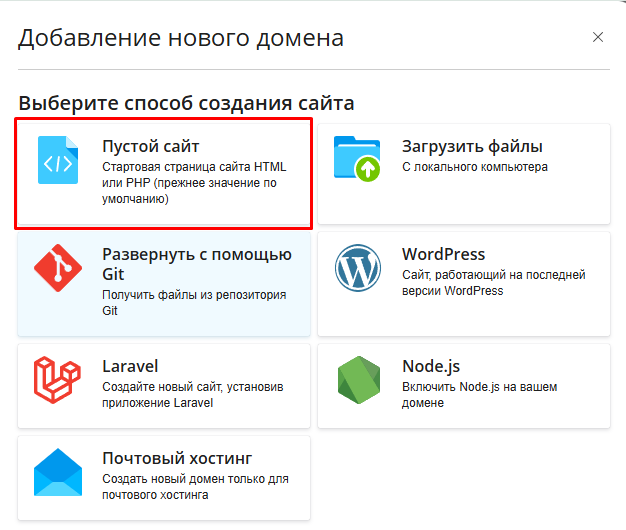
3. Choose the website creation method “Blank website”:

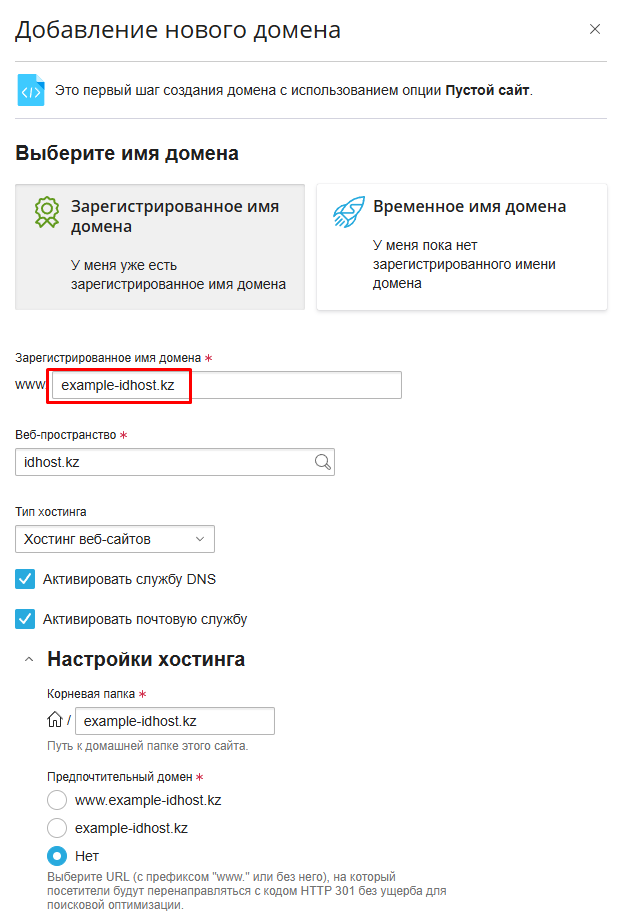
4. On the opened page, in the Registered domain name field, enter your domain name. Leave the rest of the settings unchanged and click Add Domain:
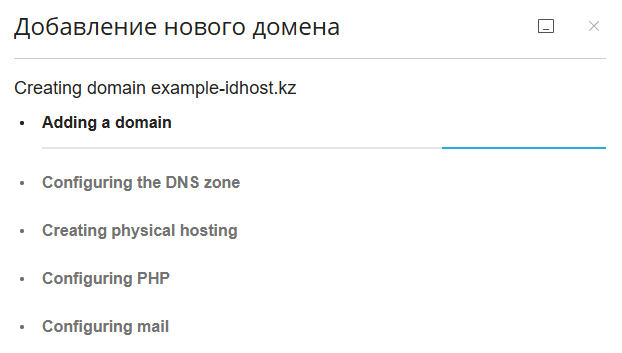


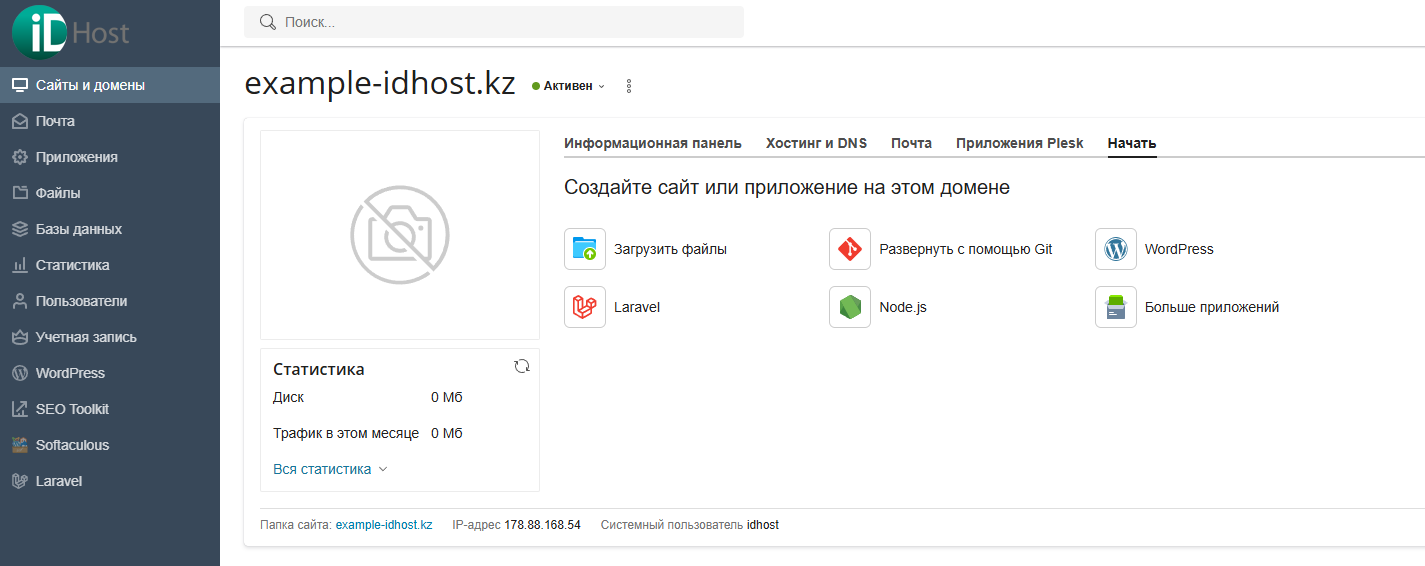
5. The domain has been successfully added. It will now appear in the Websites and Domains section.
  • 4 Users Found This Useful
Was this answer helpful?

Related Articles

SSH access on virtual hosting

Please note that SSH access is not provided on virtual hosting. SSH connectivity is available...

Adding a Subdomain in Plesk Hosting

1. Log in to the Plesk panel.2. To add a subdomain/domain alias, in the «Websites and Domains»...

Доступ к Веб-статистике

1. Войдите в панель управления хостингом Plesk. 2. Раздел статистики защищен паролем. В разделе...

Параметры соединения с базой данных

Войдите в панель управления хостингом Plesk     2. Перейдите в раздел Базы данных....

Смена пароля почтового ящика

Если вы забыли пароль от почтового ящика или хотите задать новый, выполните следующие действия:...